Walk into the next meeting ready
- Pre-meeting briefs your team can check
- Confirmed CRM and meeting history
- Knowledge your team has approved

 WireSyncPowered by Crown Datalytics
Integrations
WireSync keeps Microsoft Teams as the meeting source, then lets you choose where each approved part of the result should go. Every connection has clear permissions, plan availability and delivery rules.
Start with summaries and tasks. Add CRM, shared tasks, calendars, files or Power Automate when each connection is ready.
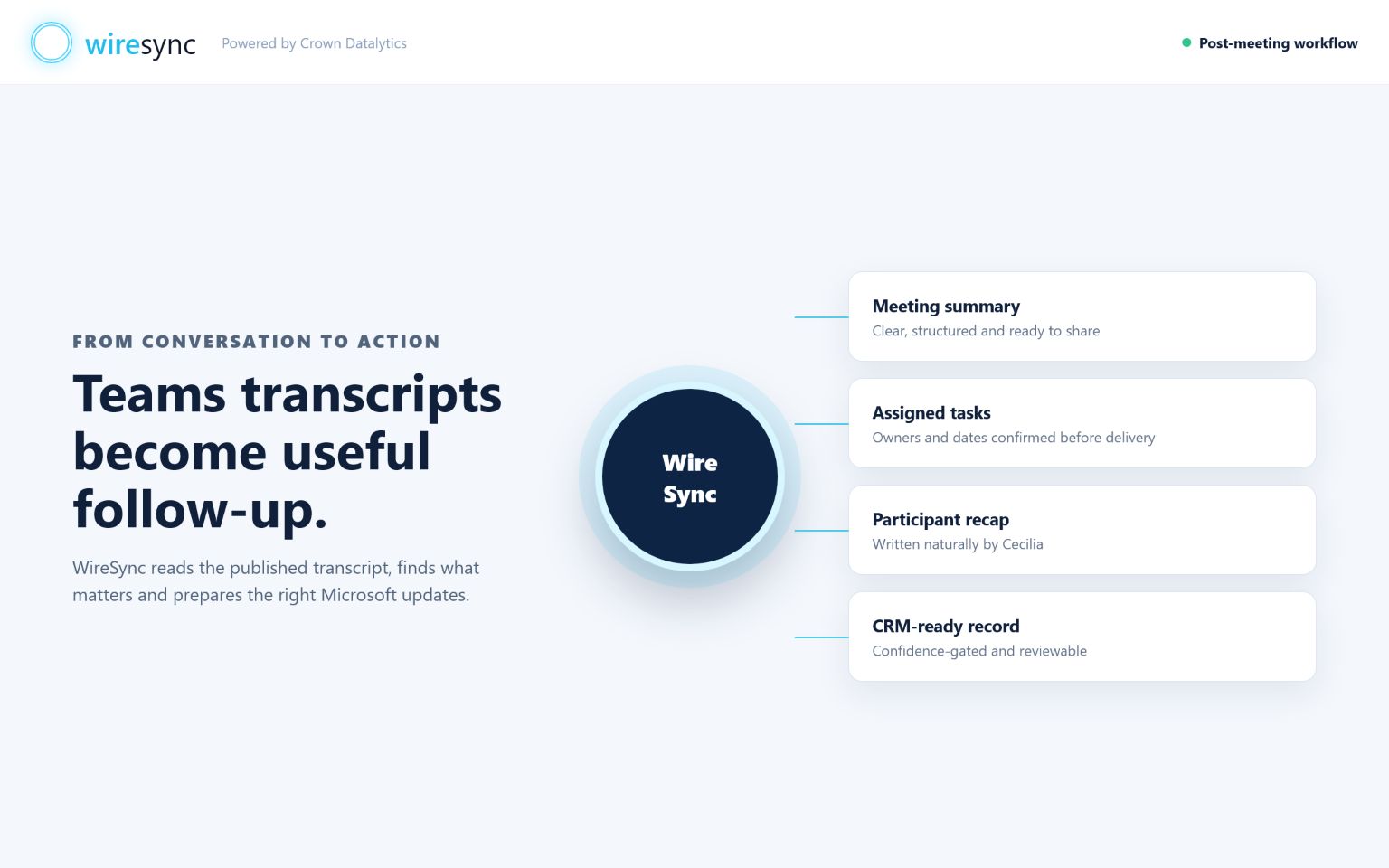
WireSync works after Microsoft publishes the transcript for a selected user and can retain available attendance evidence.
Microsoft remains the meeting and transcript source.Find your environment during signup or later. WireSync explains the existing-record match and can add an approved note when the connection, permissions and matching checks pass. New customer records remain a deliberate CRM decision for your team.
Review is the starting point. The owner chooses whether one exact match can move automatically.Prepare each approved action for the right shared plan and bucket.
WireSync checks the organisation, plan membership and approval as part of Planner connection acceptance.Place each approved personal task in the right colleague's Microsoft To Do list.
WireSync keeps the owner and due date clear before the task moves.Give the organiser a polished follow-up draft and prepare participant recaps from the saved meeting result.
WireSync marks an email sent only after Microsoft accepts the send request.Create clear follow-up checkpoints in Outlook Calendar and, on eligible plans, connected Google or Apple calendars.
Each person connects only the calendar they are authorised to use.Build a structured meeting record and supporting files for Review.
The workspace keeps everything ready for your SharePoint process until a connected save is confirmed.Prepare an approved meeting result for the Power Automate flow your organisation chooses.
WireSync checks the plan and secure connection as part of service acceptance.Ask Cecilia across saved meetings, prepare for the next conversation and track customer history and measurable results.
Cecilia links every answer to its source, while your team controls approval and delivery.